Tutorial
IntermediatePut a 3D Scan of Your Venue on Your Website and Keep the File Small
Open a Gaussian splat in your browser, trim it to a size limit you set first, and publish it as a static page with the permission and credit it needs.
Time needed: About 40 minutes
Before you start:
- A trained splat file (.splat or a standard .ply) of a space or object you have the right to publish, or use the sample scene. The lab opens at most 250,000 Gaussians: about 8 MB as a .splat, or a .ply file up to 70 MB
- A text editor, a recent desktop browser and a phone for testing
- Python 3 to serve a folder on your own computer, or any static host
3d Scan Gaussian Splatting Venues Web Performance
By the end of this tutorial you will have a static web page that shows a 3D scan of your venue, held to a file size you chose before you opened the scan.
Try it now: the splat size lab opens a scan in your browser, trims it to your budget and gives you the file to publish. The file stays in that tab.
Why the size limit comes before the scan
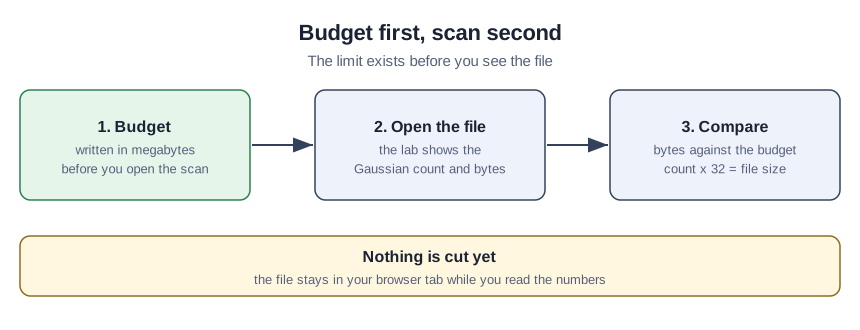
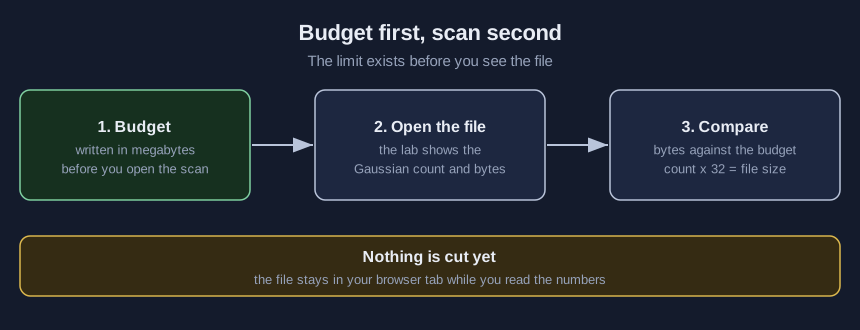
The GOV.UK Service Manual, written for UK government web teams, defines a performance budget as a limit on a feature of your page, such as its size, and says to set it as early as possible in the design process. For a 3D scan the limit is a file size, because this kit’s page downloads the whole file before it draws.
A splat file is a list of Gaussians, soft blobs with a position, size, orientation, colour and opacity. The lab reads a layout of 32 bytes per Gaussian.
Publish the 3D view in nine steps
- Write the budget first. Pick the largest file you will serve, in megabytes.
- Start from a trained splat file. Use a
.splator a standard.plyof a place you have permission to publish, or the sample scene. The lab refuses more than 250,000 Gaussians: about 8 MB as a.splat, and a.plyfile may be up to 70 MB. - Open it in the lab and read the numbers. The lab shows the Gaussian count and the bytes. Count times 32 is the file size.
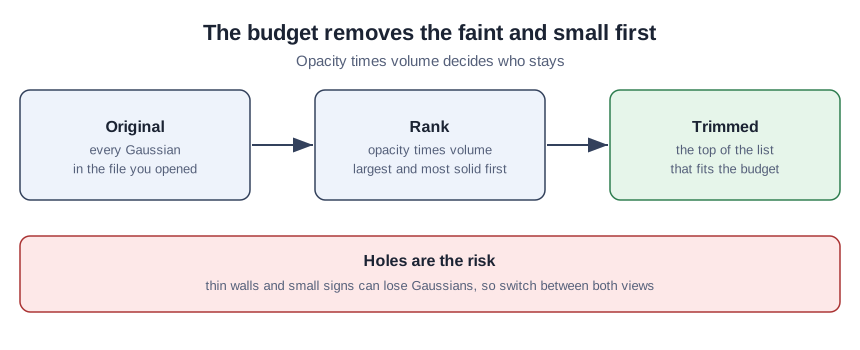
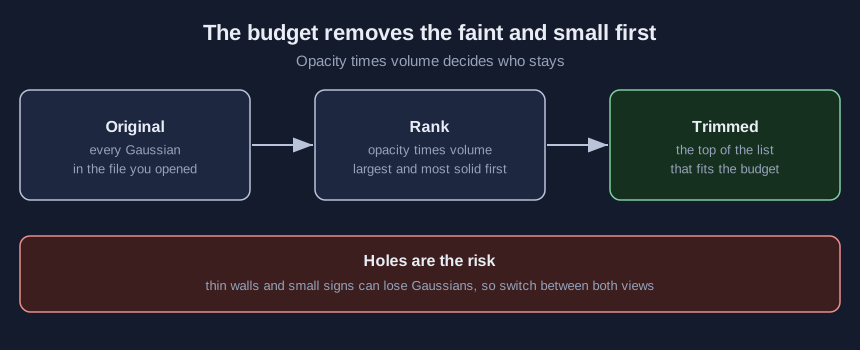
- Apply the budget. The lab keeps the Gaussians with the highest opacity times volume until the budget is full. Switch between Original and Trimmed and look for holes in floors, walls and signs.
- Download
scene.splatand copy it over the sample in the kit folder. - Edit
scene.json. Set the label, add your credit line, and setflipto true if the scan looks upside down. - Serve the folder and open it. Start a local server there with
python3 -m http.server 9000, then browse to localhost:9000. Double-clicking the page fails, because browsers block it from reading its files. - Test on a phone and read the transferred size. Load the page on a phone and read the transferred size in the browser’s network panel.
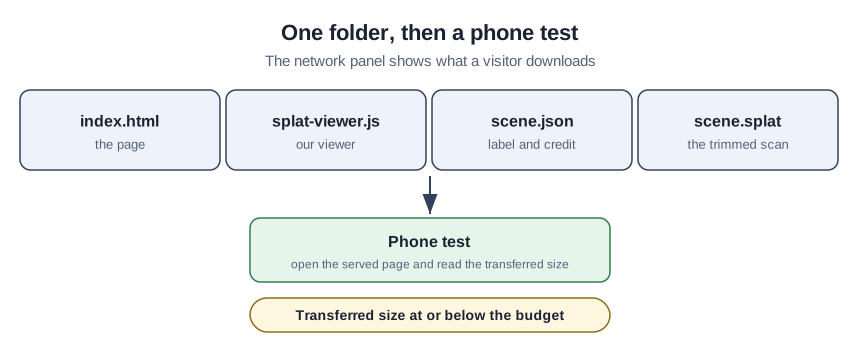
- Publish with permission and credit. Upload the folder to a static host and show the label, credit and licence on the page.
A teaching example: one budget, one sample
This is a teaching example, not a case study. The association here is fictional. It wants a 3D view for its events page and sets a budget before choosing what to scan. The sample is synthetic: a script generated a room with a table, chairs and a banner, so it is not a scan of any real place. It holds 3,665 Gaussians in 117,280 bytes. The budget of 0.1 MB (100,000 bytes) fits 3,125, so the lab drops the faintest 540.
Verify the published page
- The file in the folder is no larger than your budget, and the network panel agrees.
- Original and Trimmed look alike from the same angle.
- The page loads on a phone and the label and credit are readable.
- No faces, screens or name badges show in the scan.
Four mistakes that ruin a 3D walkthrough
- Scanning a room with people, screens or badges in it, or without the venue’s permission.
- Reading measurements from a splat. The geology museum study ran no absolute accuracy analysis against ground truth, so use a splat to look, not to measure.
- Trimming until walls have holes, then publishing without comparing the two views.
- Leaving the sample label or someone else’s credit on your own scan.
What the research says about size and use
The original method paper, a 2023 journal article in ACM Transactions on Graphics by Kerbl and colleagues, reports real-time rendering at 1080p on a single graphics card and says rendering needs GPU memory for the full model, several hundred megabytes for large scenes.
A 2025 Geosciences study of a 200 square meter geology museum, captured as one phone video, reports 2,658,468 Gaussians at 612 MB and a compressed copy of 62 MB, about ten times smaller. Its author names high-end GPUs for training and heavy storage as limits. That scene holds more than ten times the 250,000 Gaussians the lab opens, so the lab cannot open it.
A 2025 npj Heritage Science study of one damaged statue compared three ways to reconstruct it, photogrammetry, Gaussian splatting and a laser-scan hybrid. It judged splatting the best fit for a quick, light, web-friendly view.
The Khronos Group’s glTF extension for Gaussian splats is marked complete and ratified, and its text calls the technology evolving. The 32-byte layout here is a simple choice of ours, not that standard.
What is in the 3D venue kit
Inside: the finished page, our viewer script, the sample scene, an optional script that generates a synthetic example room, and a pre-publish checklist. Add your email to the form on the demo page to get the free download.
Sources
- Kerbl et al., ACM Transactions on Graphics 2023: rendering speed and model memory.
- Apopei, Geosciences 2025: museum scene size, compression and limits.
- Khronos Group, KHR_gaussian_splatting README: status and scope.
- Khedr et al., npj Heritage Science 2025: suitability for web deployment.
- GOV.UK Service Manual: performance budgets.
Sources (5)
- Kerbl et al.: 3D Gaussian Splatting for Real-Time Radiance Field Rendering (ACM Transactions on Graphics, vol. 42, 2023; journal article, read as the arXiv PDF)
- Apopei: 3D Gaussian Splatting in Geosciences, Geosciences 2025, 15(10), 373
- Khronos Group: KHR_gaussian_splatting extension README
- Khedr et al.: 3D visualization of damaged statues using Gaussian splatting and web interface integration, npj Heritage Science, 19 November 2025
- GOV.UK Service Manual: How to test frontend performance