Article
Draft Association Member Emails with AI: Keep the Human Voice
Use AI to draft renewals and replies from approved membership copy, then a human voice and fact pass. Never paste member PII.
Membership Communications Customer service
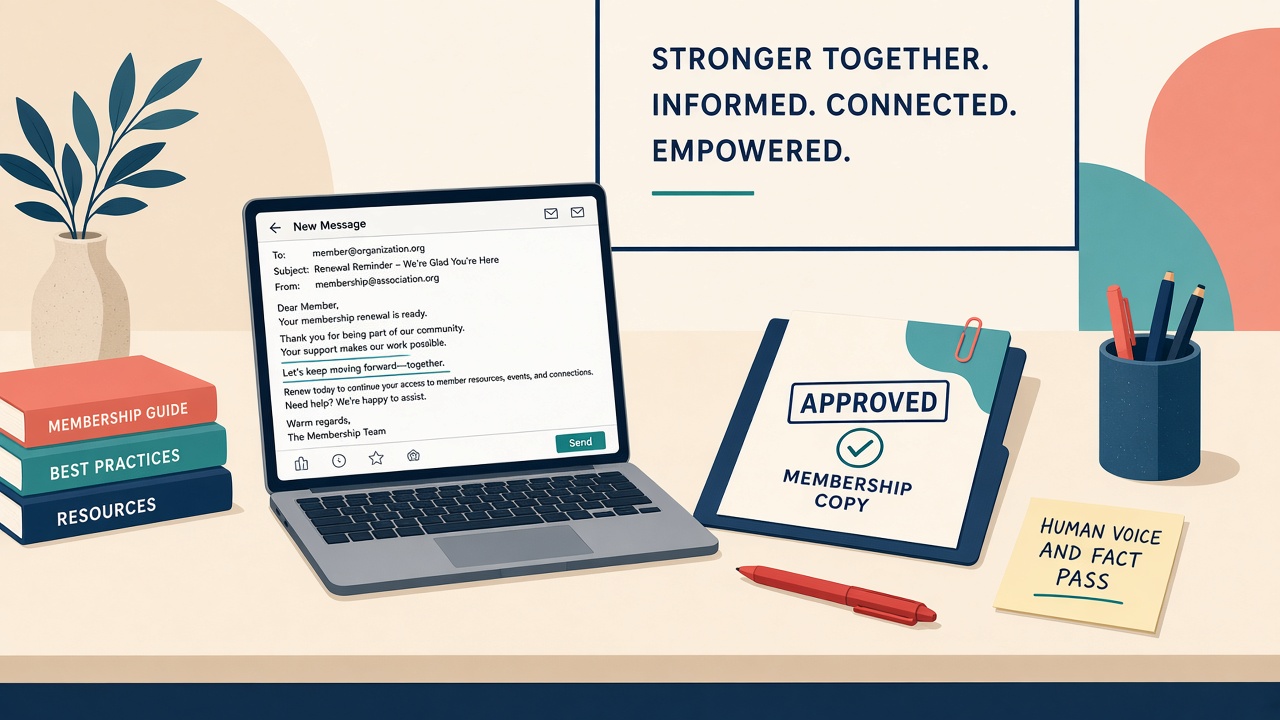
Renewal notices go out Friday, and the inbox is already full. The compose window is empty.
You can fight the blank page for an hour, or you can paste an AMS row into a public chatbot to get going, let it invent a fee the member never owed, and send something that sounds like every other association in the country. Membership and member-service desks live in this spot: renewals, onboarding welcomes, short service replies, high volume, little polish time. Generative tools can cut the wait if you treat them as a draft helper grounded in approved copy, not as a send button.
Staff are already doing this
A November 2024 FSAE and Association Societies Alliance survey of 305 respondents found marketing and communications was the top reported AI use area, at 75% of respondents, and only 13% reported having an organizational AI policy. The habit is here. The question is whether it is a safe one.
Independent Sector advises nonprofits to start slowly. Set data rules first, require human review, and assign who owns the send.
ASAE’s organizational AI policy supplies the guardrails: protect member PII, use approved tools, humans verify and own outputs before publish or send, be transparent when AI meaningfully shapes member-facing content, prefer quality over volume. Review alone is not the whole rule, because the policy also names a person who answers for the accuracy of anything AI helped write. The FTC’s Operation AI Comply makes the point that there is no AI exemption from the laws already on the books, including the rules against deceptive claims. A January 2024 Tech@FTC post, addressed to AI model providers rather than to associations, adds that those companies can be liable for breaking privacy commitments to their users and customers, however the commitments were made. Do not invent open-rate lifts, dues discounts, or “personalized for you” language you cannot back up.
One workflow
The order runs from approved source to brief, AI draft, voice pass, and fact pass, and then a human sends.
Approved source. Gather benefits bullets, renewal steps from the member portal, the onboarding checklist, and public FAQ lines you are allowed to reuse. Date the folder. If a fact is not in it, the model may not use it.
Brief. Fill the six slots from the prompt tutorial on this site: role, task, source, audience, constraints, output.
AI draft. Paste only approved or redacted source text into an allowlisted tool. Ask for subject lines and a body.
Voice pass. Read it aloud. Cut anything you would not say. Match your association’s usual sign-off and reading level, and keep to one clear ask.
Fact pass. Check every fee, date, link, benefit, and policy line against the source. Leave “needs human confirm” wherever the source is silent.
Human send. Merge fields and personal names stay in the AMS or email platform, never in the chat. A named owner clicks send.
The hard line is that AMS exports, dues balances, member names, emails, phones, payment notes, donor remarks, and unredacted ticket threads never go into consumer AI. Personalization happens in the mail tool after the draft is clean.
A stiff draft and the plain rewrite
Everything in this section is a made-up teaching case, not an email any association actually sent. The thin ask, which usually fails, is “Write a reminder about the conference.”
The six slots come from the prompt patterns tutorial, and here they are filled for an event registration reminder instead of a renewal. Role, association events writer. Task, draft a registration reminder for [event name]. Source, only the pasted event page copy with [event date], [location], [registration deadline], and [registration link]. Audience, [member segment] who have not registered yet. Constraints, warm but brief, under 120 words, no invented speakers, prices, or deadlines, and “needs human confirm” wherever the event page is silent. Output, two subject lines and a short body.
Before the voice pass, the draft read: “On behalf of the entire organization, we are pleased to inform you that registration for [event name] remains open, and we kindly request that you take the necessary steps to secure your attendance at your earliest convenience.”
After the voice pass, it read: “Registration for [event name] closes [registration deadline]. Here is the link to sign up: [registration link]. Questions? Reply to this email and a real person will answer.”
Strike the empty superlatives. Keep the clear call to action. Flag any fee or date the source does not state.
The same brief works for an onboarding welcome (source is the approved first-week checklist, no invented “exclusive” perks) and for a service reply (source is the public FAQ line on where to renew; anything needing the person’s record gets escalated).
Set up three briefs before the next renewal run
Pick the three email types you actually send this month: renewal reminder, new-member welcome, short service reply. Assemble the approved source folder and date it. Write the never-paste card and keep it where you draft. Write one brief per email type. Run one renewal draft from source only and compare it with the thin ask; keep the better one. Do the voice pass aloud. Do the fact pass against source. Fix merge fields in the real mail tool and have a named owner send. Save the winning briefs and one before-and-after pair with a date. If you want to track anything, track your own minutes to first usable draft. Do not turn that into an organization-wide ROI claim.
Where machine voice breaks trust
Sending unedited machine voice flattens the brand and fakes warmth. Pasting PII “just this once” is still pasting PII. Identical blasts to first-year and ten-year members burn trust; change the brief, keep the human pass. And do not put invented open-rate or time-saved numbers in front of the board. Use attributed figures like the FSAE numbers above, or none.
Sources
- FSAE / Association Societies Alliance: AI Usage in Associations Report
- Independent Sector: Five Steps to Unlock AI’s Potential for Nonprofits
- Independent Sector: Data Privacy and Artificial Intelligence Resources for Nonprofits
- ASAE: Organizational AI Policy
- FTC: Operation AI Comply / Crackdown on Deceptive AI Claims
- NIST: AI Risk Management Framework
- NIST AI 600-1: Generative Artificial Intelligence Profile
- FTC Tech@FTC: AI Companies: Uphold Your Privacy and Confidentiality Commitments