What Generative AI Is (and Isn't) for Association Staff
Generative AI drafts and summarizes; it isn't a person, isn't always right, and shouldn't decide for members. What association staff need this week.
Generative AI Association staff Basics Governance Privacy

Your boss said “start using AI.” A member asked if the newsletter was written by a bot. Someone on the team pasted a renewal list into a free chatbot last Tuesday and nobody wants to talk about it.
That’s the real starting point for most association staff, not a lab demo. You need a shared definition of what generative AI actually does, a few jobs it can help with this week, and habits that keep member trust intact. This piece is that starter kit.
What it is, in plain words
Generative AI creates new content (text, images, audio, code) by learning patterns from training data. Stanford HAI puts it that way: the system generates outputs that resemble what it trained on. It does not “know” facts the way a colleague does.
The chat tools you open at work usually run on large language models. An LLM predicts the next likely piece of language given your prompt and what it has already written. Google’s own help docs are blunt about the design intent: these tools are meant to help you start creative work, not finish it or take credit as the creator. OpenAI Academy frames the stack the same way - AI is a broad field, models sit inside it, LLMs are one kind of model, and products (chat apps, copilots in email or docs) are what staff actually click.
Useful for drafts, summaries, and brainstorming. Fallible. Narrow compared with human judgment.
What it isn’t

Not a person. Google’s primer says it plainly: generative AI cannot think for itself or feel emotions. It finds patterns. It is not a colleague with your membership’s history in its bones.
Not AGI. Brookings draws a line between narrow systems that handle a few kinds of tasks and artificial general intelligence that could do the wide variety of work a person can. We do not have AGI today. Treating a chatbot like a board substitute is a category error.
Not always right. Models can invent confident-sounding answers. Google calls them hallucinations; NIST’s Generative AI Profile uses confabulation for the same problem. The model predicts words. It does not look things up the way Search does. Check anything that matters.
Not the decision-maker. ASAE’s organizational AI policy is explicit on this theme: AI does not make final calls. Humans review before you publish, send, or act, and humans stay accountable. That includes hiring, member standing, and legal or advocacy positions.
Not a privacy free pass. Pasting member PII, donor notes, certification records, or confidential board materials into an unapproved public tool is a trust problem. Independent Sector frames data protection as central to nonprofit trust. Sensitive work belongs in systems your org has actually approved.
Not exempt from ordinary truth rules. The FTC’s Operation AI Comply is a reminder: there is no “AI exemption” from deception law. Overselling what a tool can do (in member marketing, CE claims, or a vendor pitch you amplify) still has to hold up.
Five moves you can try this week
These map to how sector groups talk about use: ASAE’s roadmap and policy themes, NTEN’s nonprofit AI hub, NIST risk language.
1. Membership: draft the FAQ, keep the list offline
Ask an approved tool for plain-language answers to common dues or benefits questions, but feed it only public website copy. Keep the AMS export on your desk.
Illustrative: Generate three FAQ answers about renewal timing from your public membership page. Then open the AMS yourself and verify every date, grace period, and fee before anything goes into a template.
2. Events: shorten bios you already trust
Speaker bios and session abstracts eat hours. Paste speaker-approved source text into an approved tool and ask for a shorter house-style version. Do not invent quotes or affiliations.
Illustrative: Take one approved bio, request a 75-word cut, then confirm title, affiliation, and pronouns with the speaker or the staff owner before the program goes to print.
3. Advocacy: first-pass outline only
ASAE’s AI roadmap writing names advocacy support (draft position outlines, legislation assessment) as a known association use case. Confabulation risk is high here. Treat the model as a research prep assistant, not a voice for the association.
Have an SME and legal review anything before it becomes an official position or member alert. No shortcuts on citations.
4. Communications: one newsletter intro, then a ruthless edit
Style-guide first drafts, alt text, and social calendars are natural fits. Prefer one solid send over a week of AI-generated noise. If your policy asks for disclosure when AI meaningfully shapes member-facing content, follow it.
Illustrative: Draft a webinar newsletter intro using only confirmed event details. Delete any invented speaker quotes. Fact-check date, time, and registration links before the AMS send.
5. Board: one page on capabilities and limits
Brief the board once a year on what these tools can and cannot do. Pilot before a big spend. NIST’s AI Risk Management Framework (Govern / Map / Measure / Manage) and its Generative AI Profile give shared vocabulary (confabulation, privacy, over-reliance) without forcing you to invent jargon from scratch. NTEN’s nonprofit AI hub is a practical parallel for board talking points and policy templates.
Volunteer ops fit the same rules: agendas and onboarding checklists can get a draft assist; confidential performance notes stay out of public models.
Monday morning checklist
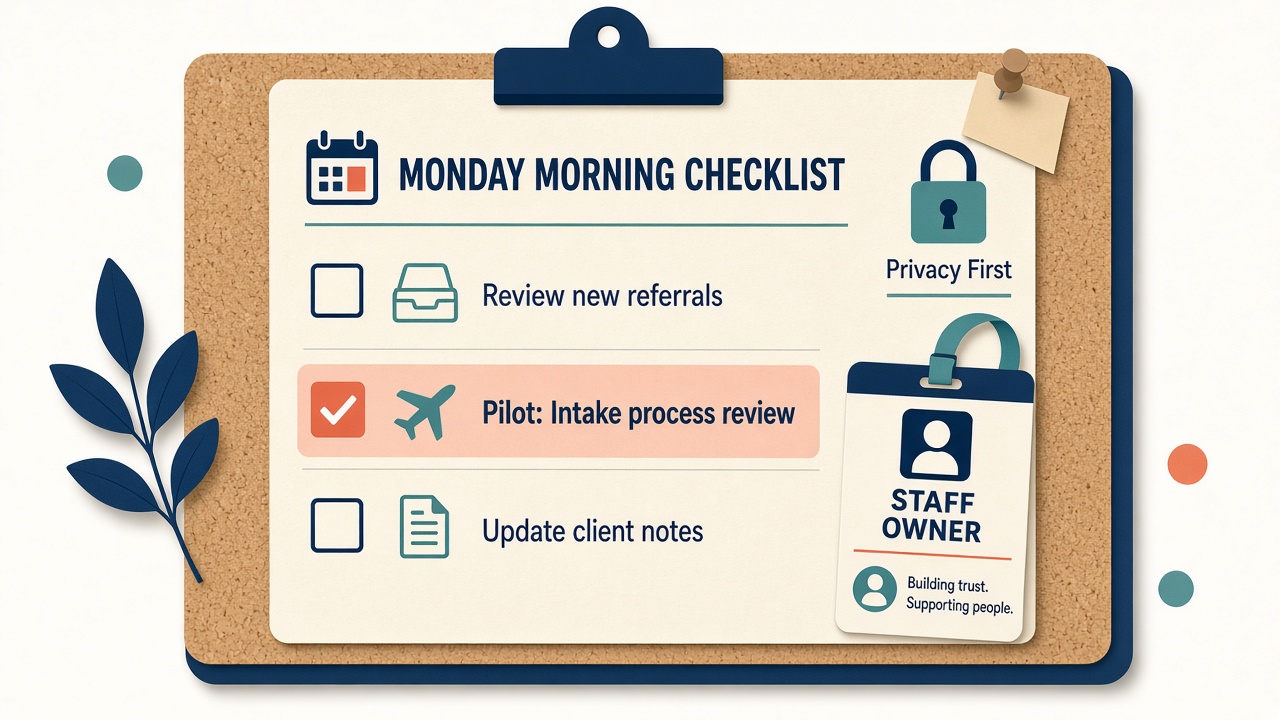
Use this checklist at the desk:
- Confirm which AI tools your association has approved (and which are off-limits for member data).
- Pick one low-risk, mostly internal workflow for a two-week pilot: FAQ outline, bio shorten, survey theme summary, or newsletter intro.
- Write the prompt from public or already-approved source material only. No AMS exports, donor notes, or board packets in unapproved tools.
- Generate a draft. Assume it can be wrong.
- Fact-check every date, name, title, fee, and link against a primary source.
- Edit for your association’s voice. Cut anything that sounds generic or invented.
- A named human owns the send or publish. That person’s name goes on the work, not the model’s.
- If the piece is member-facing and your policy requires disclosure of meaningful AI use, add it.
- After the pilot, write three lines for your manager: what worked, what broke, what data never left the approved path.
- If someone is quietly using a personal free account for member work, escalate toward a governed option, not a blanket “no” that drives the behavior further underground.
Pitfalls (without the lecture)
Fluent text feels trustworthy. It isn’t. NIST calls out over-reliance and treating the system like a person. Stay skeptical when the output touches members, money, or public positions.
A total ban can backfire. ASAE’s practical guidance notes that overly rigid rules push people into personal free tools with worse privacy. Clear, usable rules plus approved options beat a silent shadow-IT problem.
Model output can look original when it isn’t, or it can echo bias from training data. MIT’s explainer flags inherited bias and copyright-looking outputs as real risks. Treat originality and fairness as human review jobs, especially for public materials and anything near credentialing.
Vendors will slap “AI” on every feature. Ask what data leaves your environment, who owns the output, and what happens when the model is wrong. The FTC’s crackdown on deceptive AI claims is the external reminder: don’t amplify unsubstantiated capability pitches about member tools or CE.
Skip invented hour-savings and adoption percentages in your board deck. If you cannot point to a primary source you have checked, leave the number out.
Sources
- Google Search Help - Learn about generative AI
- OpenAI Academy - AI fundamentals
- MIT News - Explained: Generative AI
- Stanford HAI - What is Generative AI?
- Brookings - The Brookings glossary of AI and emerging technologies
- NIST - AI Risk Management Framework
- NIST AI 600-1 - Generative Artificial Intelligence Profile
- ASAE - Organizational AI Policy
- ASAE - Smart, Safe, and Strategic: How Associations Can Harness AI to Drive Impact
- NTEN - AI For Nonprofits Resource Hub
- Independent Sector - Data Privacy and Artificial Intelligence Resources for Nonprofits
- FTC - Operation AI Comply